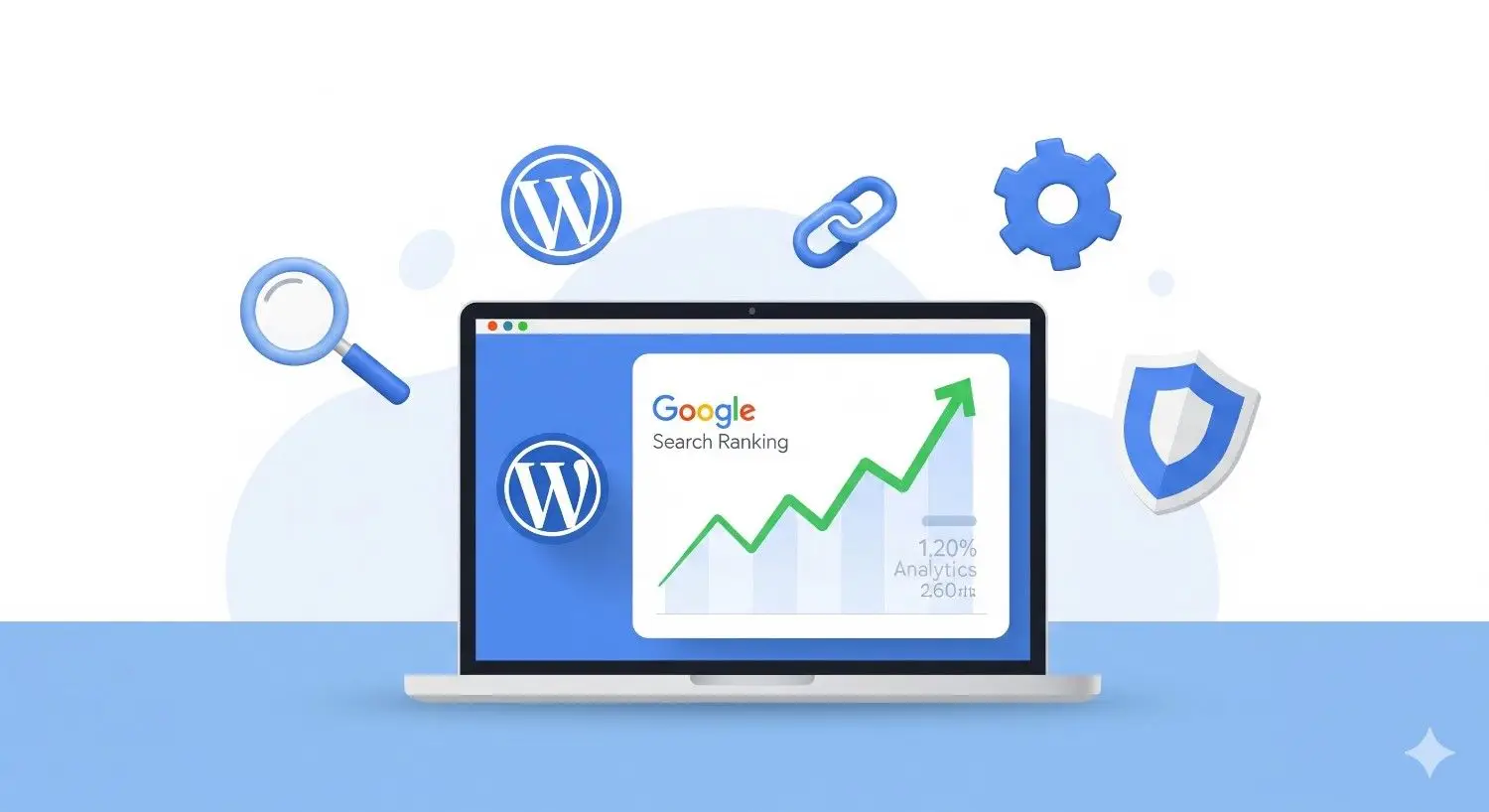

Complete WordPress SEO Guide 2026
Introduction
WordPress powers more than 40% of websites on the internet, making it the most popular content management system in the world. However, simply creating a WordPress website is not enough if you want people to find your website on Google. To attract visitors, you must optimize your website for search engines.
This process is known as Search Engine Optimization (SEO).
SEO helps search engines like Google understand your content and rank it higher in search results. When your website ranks higher, you receive more organic traffic, which can lead to more readers, customers, and business opportunities.
In this Complete WordPress SEO Guide 2026, you will learn everything you need to optimize your WordPress website and improve your Google rankings
What is WordPress SEO

WordPress SEO refers to the process of optimizing a WordPress website so that it appears higher in search engine results.
SEO includes multiple strategies such as:
- Optimizing website content
- Improving page speed
- Using proper keywords
- Creating high-quality backlinks
- Improving website structure
The goal of SEO is simple: help search engines understand your website and show it to the right audience.
Why SEO is Important for WordPress Websites
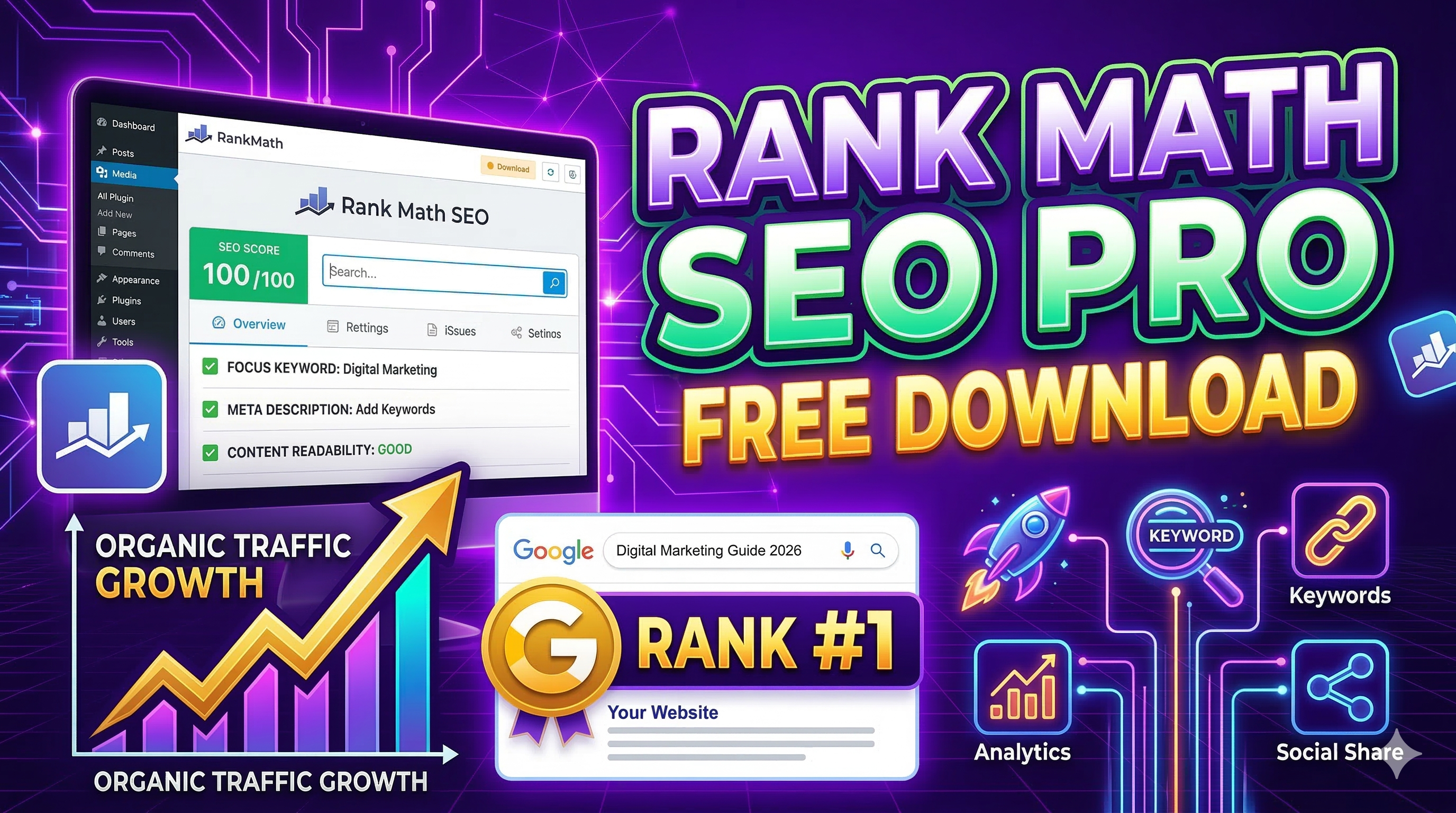
🚀 Boost Your Website SEO with Rank Math Pro
Upgrade your WordPress SEO with powerful features like advanced schema, keyword tracking, and automated optimization.
Get Rank Math Pro NowSEO is one of the most powerful ways to grow your website traffic without spending money on advertising.
Here are some important benefits of SEO:
1. Increase Organic Traffic
SEO helps your website appear in Google search results, bringing free traffic to your site.
2. Improve Website Visibility
Higher rankings mean more people will discover your website.
3. Build Trust and Credibility
Websites that appear on the first page of Google are often considered more trustworthy.
4. Long-Term Results
Unlike paid ads, SEO continues to bring traffic for months or even years.
Step 1: Choose SEO-Friendly Hosting
Your hosting provider plays a crucial role in your website’s SEO performance.
A good hosting provider ensures:
- Fast loading speed
- High uptime
- Secure servers
- Better user experience
Slow websites often rank lower in search engines.
When choosing hosting, look for providers that offer:
- SSD storage
- CDN support
- SSL certificates
- Daily backups
Step 2: Install an SEO Plugin
WordPress SEO plugins make it easier to optimize your website.
The most popular SEO plugins include:
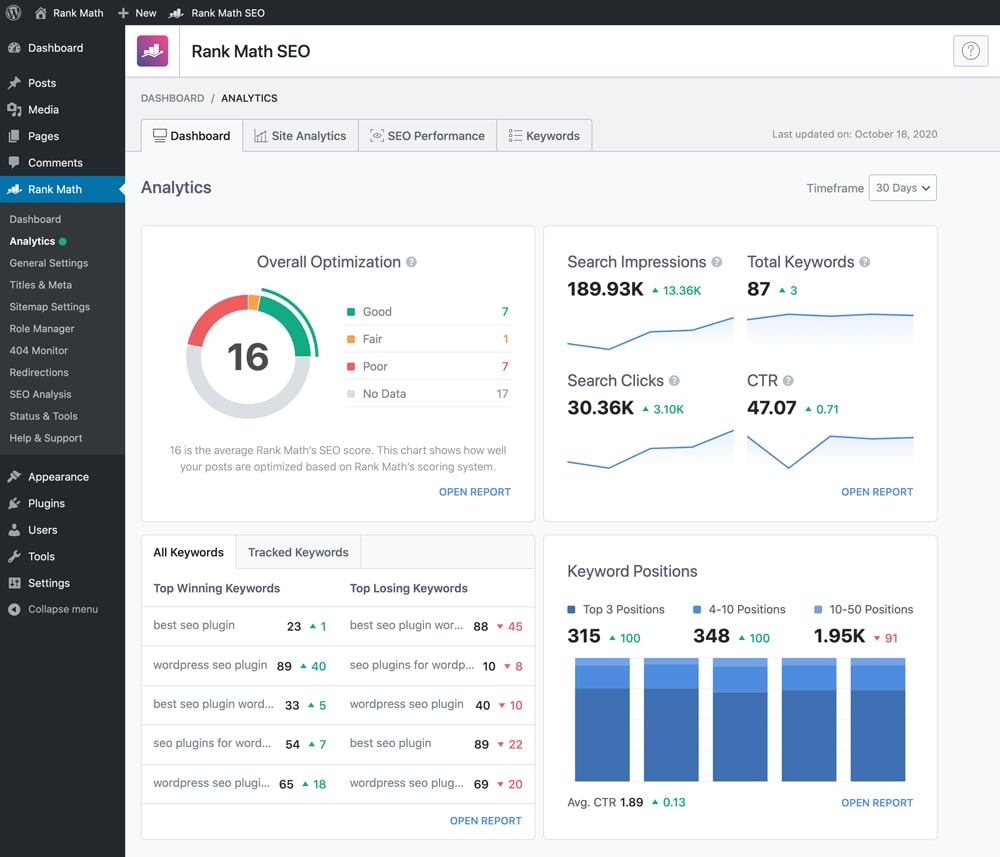
- Rank Math SEO
- Yoast SEO
- All in One SEO
- Flipping Card UI Design in HTML CSS (3D Hover Animation Tutorial for Beginners)
- Ads Setup Custom Code To Set Manual Ads In Blog Post
- How to Customize the Scrollbar in Any Website Using CSS | Custom Scrollbar for WordPress
- Easy Adobe Express AI Logo Maker Tutorial (Step-by-Step Guide)
- Rank Math SEO Pro Free Download (Latest Version) – Official Price vs Our Price
Among these, Rank Math SEO is widely preferred because it offers powerful features and easy configuration.
Benefits of Rank Math SEO
- Automatic SEO analysis
- Schema markup support
- Keyword optimization
- XML sitemap generation
- Google Search Console integration
After installing the plugin, run the setup wizard to configure the basic SEO settings.
Step 3: Perform Keyword Research

Keyword research is one of the most important parts of SEO.
A keyword is the phrase people type into Google when searching for information.
For example:
- WordPress SEO guide
- SEO tips for beginners
- WordPress ranking tips
Tools for Keyword Research
You can find keywords using tools like:
- Google Autocomplete
- Google Trends
- Keyword research tools
Choose keywords with:
- High search volume
- Low competition
- Relevant to your content
🔥 Rank Math Pro – Best Price Offer
Boost your WordPress SEO with Rank Math Pro. Unlock advanced SEO features like keyword tracking, schema markup, and powerful optimization tools.
Limited Offer: Best Price Available
Get Rank Math Pro NowInstant download • Secure payment • Lifetime access
Step 4: Optimize Your Content (On-Page SEO)
On-page SEO refers to optimizing the content on your website pages.
Here are important on-page SEO techniques.
1. Use Keywords in Title
Your main keyword should appear in the article title.
Example:
Complete WordPress SEO Guide 2026
2. Use Keywords in Headings
Include keywords in headings such as H1, H2, and H3.
3. Write High-Quality Content
Google prefers detailed and informative articles.
Try to write 1000–2000 words per article.
4. Optimize Meta Description
The meta description is the short text shown in search results.
Example:
Learn the complete WordPress SEO guide for 2026 and discover how to rank your website higher on Google.
5. Add Internal Links
Internal links connect your blog posts together and help search engines crawl your website.
Step 5: Improve Website Speed
Website speed is a major ranking factor.
If your website loads slowly, visitors may leave quickly, which increases your bounce rate.
Ways to Improve Website Speed
- Use a caching plugin
- Compress images
- Use lightweight themes
- Enable CDN
Fast websites provide a better user experience and rank higher in search engines.
Step 6: Optimize Images for SEO
Images improve user engagement but must be optimized properly.
Image SEO Tips
- Use descriptive file names
- Add ALT text
- Compress images
- Use modern formats like WebP
Example ALT text:
WordPress SEO Guide 2026 optimization steps
Step 7: Create XML Sitemap
An XML sitemap helps search engines understand the structure of your website.
It lists all important pages and posts on your website.
SEO plugins like Rank Math automatically generate sitemaps.
Example sitemap URL:
yourwebsite.com/sitemap_index.xml
Submit this sitemap to Google Search Console so Google can index your pages faster.
Step 8: Improve Mobile Friendliness
Most internet users access websites through mobile devices.
Google uses mobile-first indexing, meaning your website must be mobile-friendly.
To improve mobile usability:
- Use responsive themes
- Optimize page speed
- Avoid large pop-ups
Step 9: Build Quality Backlinks
Backlinks are links from other websites pointing to your website.
Search engines consider backlinks a sign of authority.
Ways to build backlinks:
- Guest blogging
- Sharing content on social media
- Listing your website in directories
- Creating valuable content people want to share
Common SEO Mistakes to Avoid
Many beginners make SEO mistakes that affect rankings.
Avoid these mistakes:
- Keyword stuffing
- Duplicate content
- Slow website speed
- Ignoring mobile optimization
- Not using internal links
Fixing these mistakes can significantly improve your SEO performance.
Want to Rank #1 on Google?
Use Rank Math Pro to unlock advanced SEO features and boost your website rankings.
Buy Rank Math ProFinal Thoughts
SEO is essential for growing a WordPress website and attracting organic traffic from search engines.
By following the steps in this WordPress SEO Guide 2026, you can significantly improve your website’s visibility and rankings.
Remember that SEO is a long-term strategy. Consistently publishing high-quality content and optimizing your website will gradually increase your traffic and authority.
Start implementing these SEO strategies today and watch your WordPress website grow.
What is WordPress SEO?
WordPress SEO is the process of optimizing your website to rank higher in search engines like Google.
Which plugin is best for WordPress SEO?
Rank Math and Yoast SEO are two of the most popular SEO plugins.
How long does SEO take to work?
SEO usually takes 3–6 months to show noticeable results.