

Complete WordPress SEO Guide 2026
WordPress is one of the most powerful and widely used content management systems in the world. More than 40% of websites on the internet are built using WordPress. It is popular because it is flexible, easy to use, and highly customizable.
However, creating a WordPress website alone is not enough. If you want visitors to find your website on Google, you need to optimize it for search engines. This process is called Search Engine Optimization (SEO).
SEO helps your website appear higher in search results when people search for related topics. Higher rankings mean more visitors, more engagement, and more business opportunities.
In this complete guide, you will learn how to optimize your WordPress website for SEO in 2026.
What is WordPress SEO?

WordPress SEO refers to optimizing your WordPress website so that search engines like Google can easily understand your content and rank it higher in search results.
SEO involves several factors including:
- Website speed
- Content quality
- Keyword optimization
- Mobile friendliness
- Backlinks
When all these elements are optimized correctly, your website has a much better chance of ranking on the first page of Google.
Why SEO is Important for WordPress Websites
Many beginners create websites but struggle to get traffic. The main reason is poor SEO optimization.
Here are some benefits of SEO:
1. More Organic Traffic
SEO helps your website appear in search results without paying for ads.
2. Better User Experience
SEO practices improve website speed, navigation, and usability.
3. Higher Credibility
Websites that rank higher on Google are often seen as more trustworthy.
4. Long Term Growth
Unlike paid ads, SEO can bring traffic for months or even years.
Step 1: Choose SEO Friendly WordPress Hosting
Your hosting provider plays a major role in website speed and performance.
Fast hosting improves user experience and search rankings.
Some features of good hosting include:
- Fast server response time
- High uptime
- SSD storage
- CDN support
Reliable hosting ensures that your website loads quickly for visitors across the world.
Step 2: Install an SEO Plugin
WordPress SEO plugins make optimization much easier. They help you manage important SEO elements such as meta tags, XML sitemaps, and schema markup.
Popular WordPress SEO plugins include:
Yoast SEO
One of the most widely used plugins for optimizing blog posts and pages.
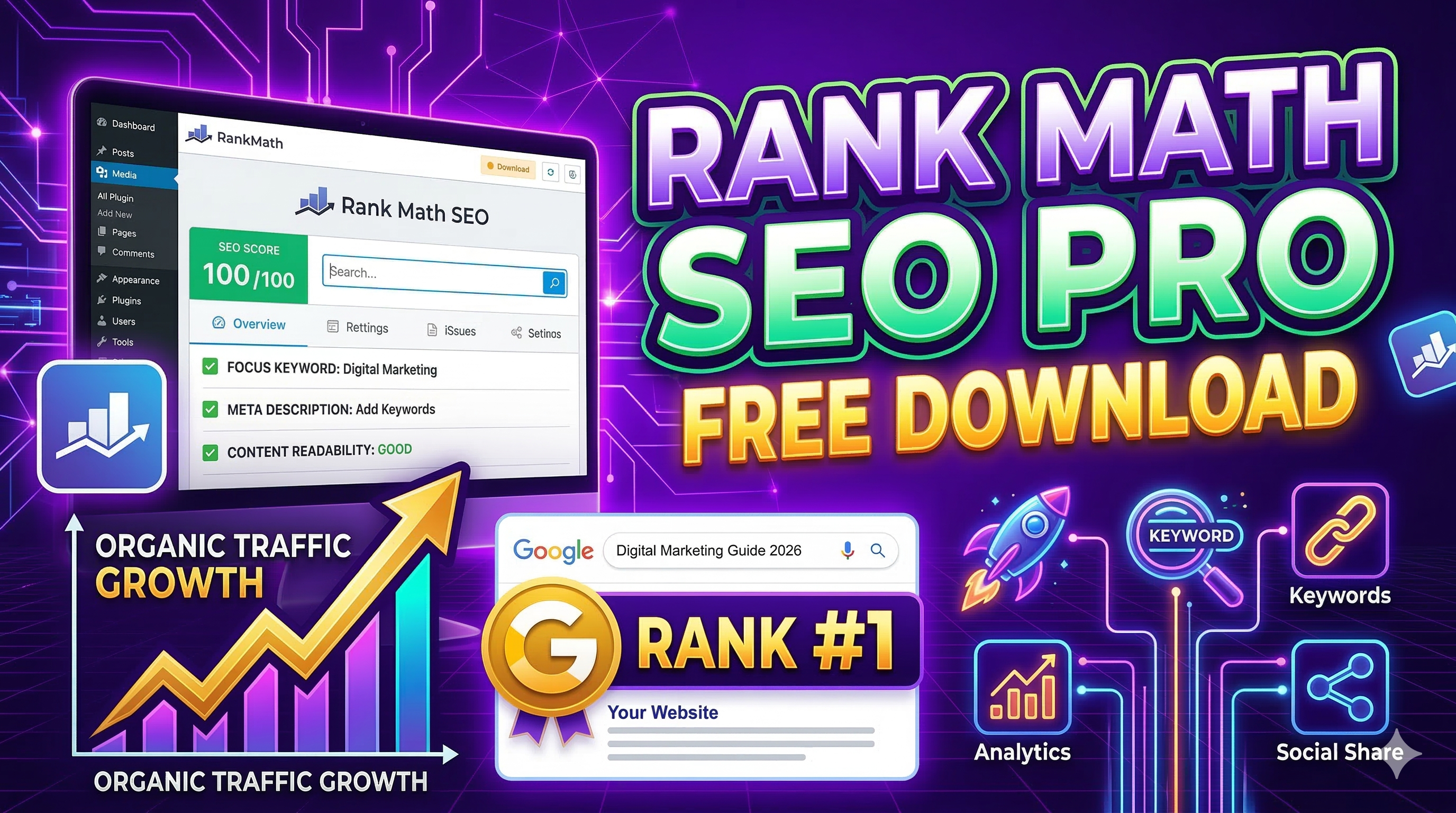
Rank Math
A powerful SEO plugin with many advanced features.
All in One SEO
A beginner friendly plugin with simple settings.
These plugins guide you while writing articles and help improve your SEO score.
Step 3: Perform Keyword Research
Keyword research is the foundation of SEO. Keywords are the search terms people use when looking for information on Google.
For example:
- WordPress SEO guide
- How to rank website on Google
- Best SEO plugins for WordPress
Using the right keywords helps your content appear in relevant search results.
Tips for Keyword Research
- Choose keywords with high search volume
- Avoid extremely competitive keywords
- Use long-tail keywords
Long-tail keywords often have less competition and better conversion rates.
Step 4: Optimize Your Content
Content is the most important element of SEO.
High-quality content provides useful information and keeps visitors engaged.
Best Practices for Content Optimization
Use the focus keyword in the following places:
- Title
- Headings
- First paragraph
- Meta description
- Image alt text
However, avoid excessive keyword repetition because it can negatively affect rankings.
Step 5: Improve Website Speed
Website speed is one of Google’s ranking factors. Slow websites often lose visitors and rank lower in search results.
Ways to Improve Website Speed
Compress images before uploading them.
Use caching plugins to store static versions of your pages.
Minimize CSS and JavaScript files.
Use a content delivery network (CDN).
Fast websites provide better user experience and improve SEO performance.
Step 6: Optimize Images for SEO
Images make articles more engaging but large images can slow down your website.
Image Optimization Tips
Use descriptive file names.
Add alt text to images.
Compress images before uploading them.
Use modern formats like WebP.
Optimized images improve both website speed and accessibility.
Step 7: Make Your Website Mobile Friendly
Most internet users browse websites on mobile devices.
Google uses mobile-first indexing, which means it primarily evaluates the mobile version of your website for ranking.
To ensure mobile friendliness:
- Use responsive design
- Avoid large pop-ups
- Ensure text is readable on small screens
A mobile-friendly website improves both SEO and user experience.
Step 8: Create an XML Sitemap
An XML sitemap helps search engines discover and index your pages.
Most SEO plugins automatically generate a sitemap.
After creating the sitemap, you should submit it to Google Search Console.
This helps Google crawl your website more efficiently.
Step 9: Use Internal Linking
Internal links connect one page of your website to another page.
Benefits of internal linking include:
- Improved navigation
- Better SEO structure
- Increased time on site
For example, if you write an article about WordPress themes, you can link it to another article about WordPress SEO.
Step 10: Build Backlinks
Backlinks are links from other websites pointing to your site.
Search engines consider backlinks as signals of authority and trust.
Ways to Get Backlinks
Guest blogging on other websites.
Creating high-quality content people want to share.
Submitting your website to directories.
Backlinks from reputable websites can significantly improve your rankings.
Step 11: Use Google Search Console
Google Search Console is a free tool that helps monitor your website’s performance in search results.
You can use it to:
- Track keyword rankings
- Identify indexing issues
- Submit sitemaps
It is an essential tool for every website owner.
Step 12: Publish Content Regularly
Search engines prefer websites that update content frequently.
Publishing articles regularly signals that your website is active and valuable.
For best results:
- Publish at least 2–3 articles per week
- Focus on helpful content
- Update old articles with new information
Consistency is key to long-term SEO success.
Common WordPress SEO Mistakes
Many beginners make mistakes that prevent their websites from ranking.
1. Ignoring Keyword Research
Without proper keywords, your content may never appear in search results.
2. Slow Website Speed
Slow websites can lose both visitors and rankings.
3. Thin Content
Short or low-quality content often fails to rank.
4. No Internal Links
Internal links help search engines understand your website structure.
Avoiding these mistakes can significantly improve your SEO performance.
Future of WordPress SEO
SEO continues to evolve with new technologies and algorithms.
Some emerging trends include:
- AI generated content assistance
- Voice search optimization
- Faster website performance
- Better mobile experiences
Staying updated with these trends can give your website a competitive advantage.