
- Best Free WordPress Plugins
- WordPress Custom Login Page Tutorial
- WooCommerce My Account Customization
- PHP Attendance System
- Best WordPress Themes for Bloggers
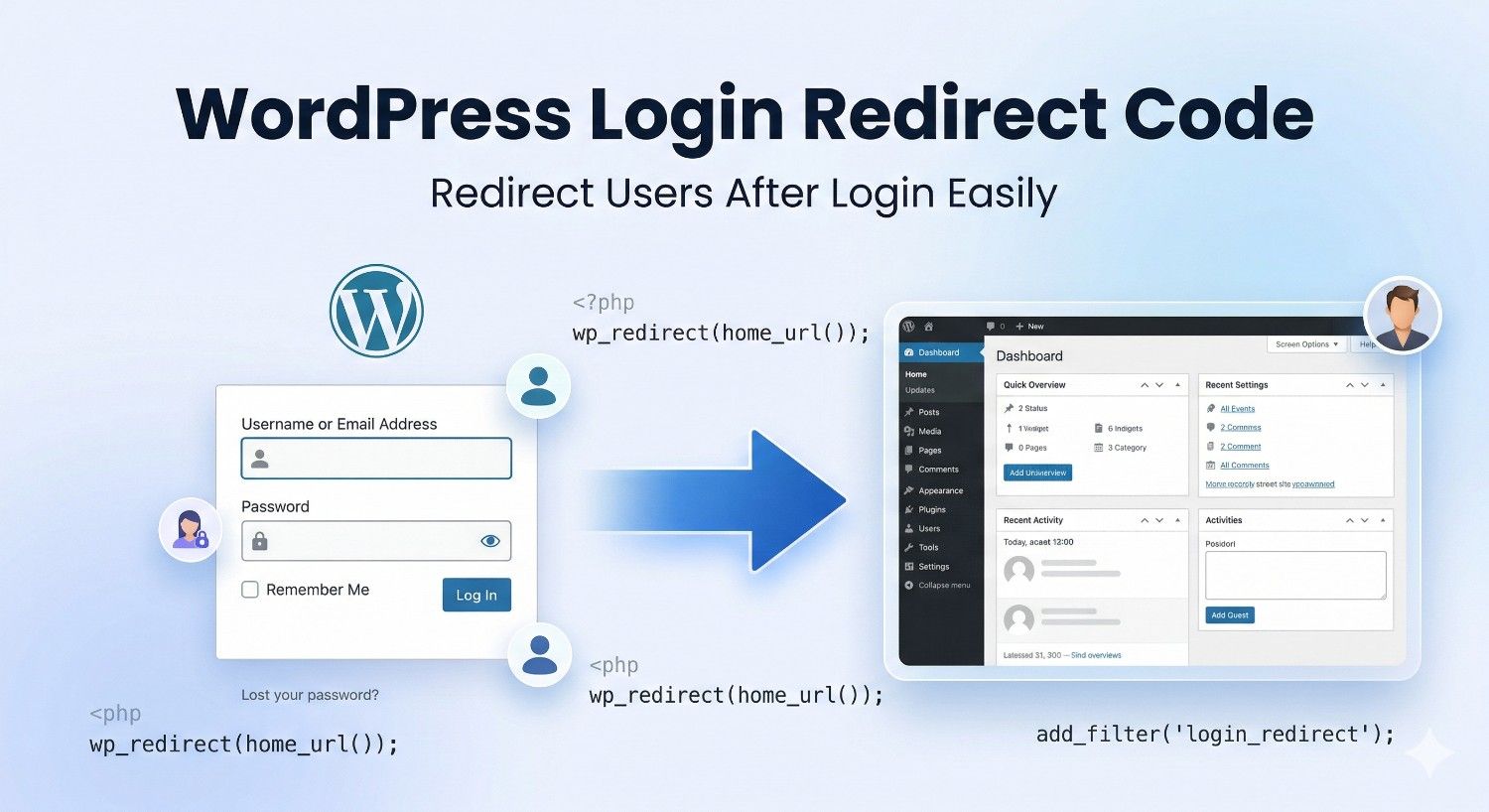
If you want to redirect users to a custom page after login in WordPress, you can easily do it by adding a simple code snippet in your theme’s functions.php file.
This is useful when you want:
In this tutorial, you will learn the best WordPress login redirect code for different user roles.
Simple WordPress Login Redirect Code
Add the following code in your theme’s functions.php file:
function custom_login_redirect($redirect_to, $request, $user) {
    if (isset($user->roles) && is_array($user->roles)) {

        // Redirect administrators
        if (in_array('administrator', $user->roles)) {
            return admin_url();
        }

        // Redirect subscribers
        elseif (in_array('subscriber', $user->roles)) {
            return home_url('/my-account/');
        }

        // Redirect customers
        elseif (in_array('customer', $user->roles)) {
            return home_url('/shop/');
        }

        // Redirect all other users
        else {
            return home_url('/dashboard/');
        }
    }

    return $redirect_to;
}
add_filter('login_redirect', 'custom_login_redirect', 10, 3);
How This Code Works
This code checks the role of the logged-in user.
- Administrators go to WordPress dashboard
- Subscribers go to My Account page
- Customers go to Shop page
- Other users go to a custom dashboard page
You can change these URLs according to your website.
Example:
return home_url('/welcome-page/');
Redirect All Users to Same Page After Login
If you want all users to go to the same page after login, use this code:
function my_login_redirect($redirect_to, $request, $user) {
    return home_url('/welcome/');
}
add_filter('login_redirect', 'my_login_redirect', 10, 3);
This code redirects every user to:
https://yourwebsite.com/welcome/
Redirect Users After WooCommerce Login
If you have a WooCommerce website and want users to go directly to My Account page after login, use this code:
function woo_login_redirect($redirect_to, $user) {
    return wc_get_page_permalink('myaccount');
}
add_filter('woocommerce_login_redirect', 'woo_login_redirect', 10, 2);
This is useful for ecommerce websites because customers can quickly access their orders, downloads, addresses, and account settings.
Redirect Users Based on Username
You can also redirect specific users to a custom page.
function custom_user_login_redirect($redirect_to, $request, $user) {
    if ($user->user_login == 'john') {
        return home_url('/special-page/');
    }

    return $redirect_to;
}
add_filter('login_redirect', 'custom_user_login_redirect', 10, 3);
In this example, only the user with username john will be redirected to a special page.
Where to Add This Code
You can add the code in:
- functions.php file
- Code Snippets plugin
- Custom plugin
The safest method is using the Code Snippets plugin because your code will remain safe even if you change your WordPress theme.
Best Plugin for Login Redirect in WordPress
If you do not want to use code, you can use plugins such as:
- Peter’s Login Redirect
- LoginWP
- Redirection After Login
- User Role Editor
However, using a simple PHP code snippet is faster and better because it reduces plugin usage and improves website speed.
Common Login Redirect Problems
1. Redirect Loop
If users are stuck in a redirect loop, check:
- Incorrect URL
- Cache issue
- Plugin conflict
- Wrong login redirect code
2. White Screen Error
This happens when there is a PHP syntax error in functions.php.
Always check:
- Missing semicolon
- Missing bracket
- Incorrect quote marks
3. Login Redirect Not Working
If the redirect code does not work:
- Clear cache
- Disable login-related plugins
- Use Code Snippets plugin
- Check for plugin conflicts
- Test with a default WordPress theme
FAQ
How do I redirect users after login in WordPress?
You can redirect users after login in WordPress by using the login_redirect filter in your theme’s functions.php file.
Can I redirect users based on role?
Yes, you can redirect administrators, subscribers, customers, editors, and other user roles to different pages.
Which plugin is best for login redirect in WordPress?
Popular plugins include LoginWP, Peter’s Login Redirect, and Code Snippets.
Is it safe to add login redirect code in functions.php?
Yes, but using the Code Snippets plugin is safer because your code remains active even if you change your theme.
Final Words
WordPress Login Redirect Code is one of the best ways to redirect users after login and improve website navigation. You can use WordPress Login Redirect Code for administrators, subscribers, WooCommerce customers, editors, and custom user roles.
WordPress login redirect code is very useful if you want to improve user experience and send users to the right page after login.
For most websites, redirecting customers to My Account page and admins to dashboard is the best option.
You can use the code examples above to redirect users based on role, username, or WooCommerce account type.
If you want more WordPress tutorials, PHP code, WooCommerce snippets, and website development guides, keep visiting Technical Tricks.