
How to Use Adobe Express AI Logo Maker for Social Media Branding
In today’s digital world, having a strong and recognizable brand identity is more important than ever , especially on social media. Your logo is often the very first thing people notice about your brand. With tools like Adobe Express’s AI-powered logo generator, you don’t need to be a graphic designer to create a professional and memorable logo. In this article, we’ll walk you through how to use the Adobe Express AI Logo Maker effectively for social media branding and share actionable insights so you can stand out online. Plus, we’ll mention how this free AI logo creator can help you save time and money while building a compelling brand identity.
What Is Adobe Express and Why It Matters for Branding?
Rank Math SEO Pro Free Download (Latest Version) – Official Price vs Our Price
Adobe Express is a cloud-based graphic design tool built by Adobe, designed to make creating visual content easy and accessible , even if you’re not a design pro. Originally launched in 2016 as Adobe Spark, it has evolved into a powerful all‑in‑one tool for social media graphics, videos, logos, and more.
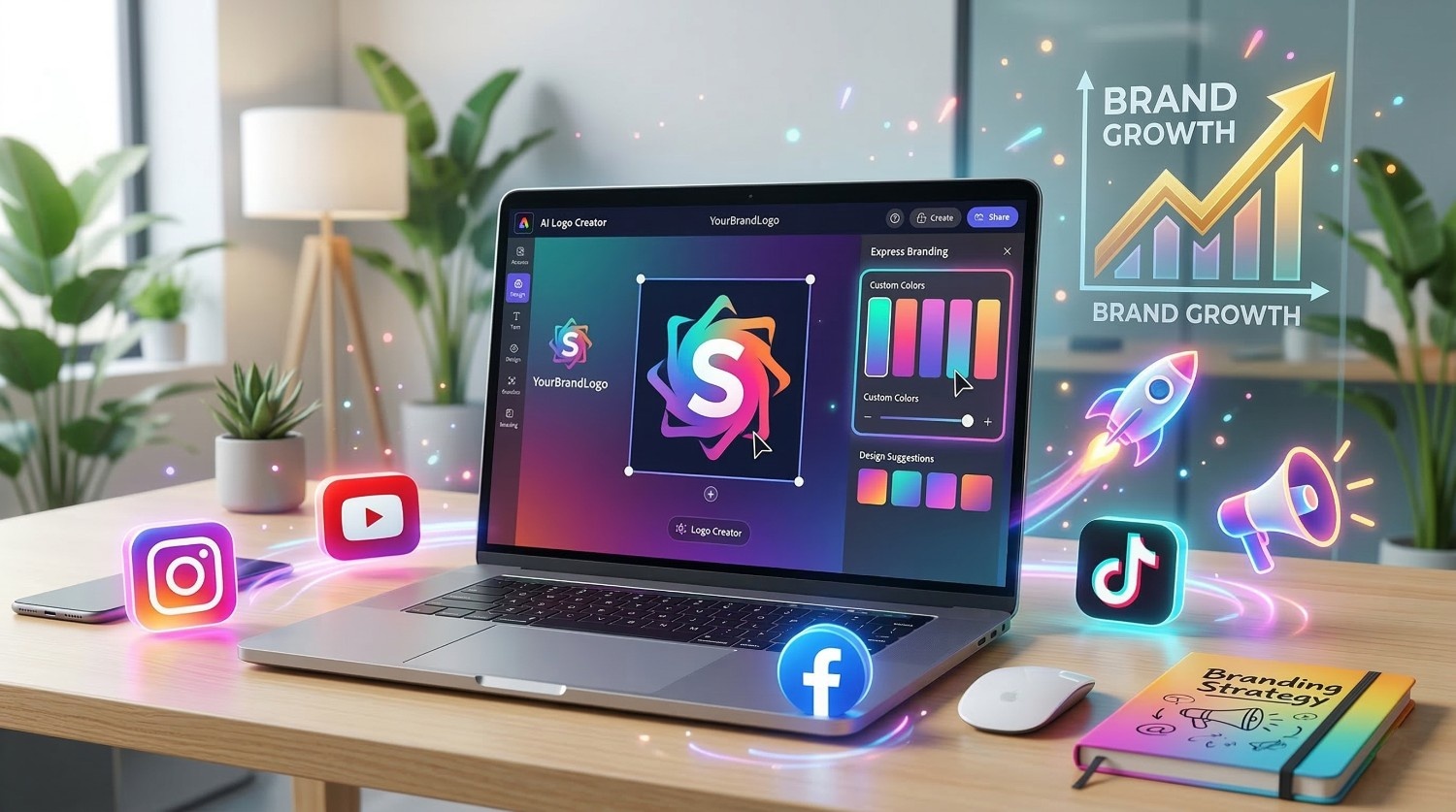
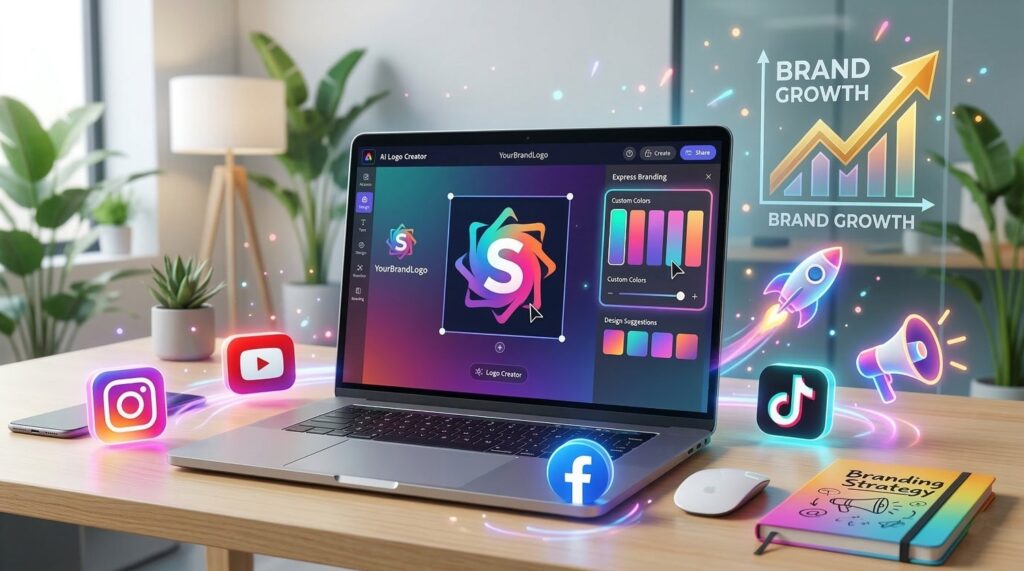
One of its standout features is the AI Logo Maker, which uses generative AI to help you craft a unique logo based on your description. Unlike traditional design tools that require manual shape assembly and design skills, the AI Logo Maker lets you type a concept and instantly see tailored logo options.
This ease of use makes Adobe Express ideal for content creators, small businesses, and social media managers who need quick, professional branding without steep learning curves.
Step‑by‑Step: Creating a Brand‑Ready Logo
1. Sign In and Navigate to the Logo Creator
Start by signing into Adobe Express (you can use the free plan). Once logged in, select “Create New” and choose the Logo option from the dashboard. Whether you’re on desktop or mobile, the process is intuitive and user‑friendly.
2. Describe Your Vision
In the prompt field, write a clear description of your brand and the kind of logo you want. This step is crucial , the more specific you are, the better the AI can tailor results. For example:
- “Minimal tech logo with blue and silver colors”
- “Organic wellness brand logo with a leaf icon”
After entering your prompt, click Generate and let the AI create multiple logo options.
Pro tip: Include details about style (modern, playful, bold), mood (trustworthy, luxurious, fun), and colors.
3. Explore and Select Your Favorite
Once the AI completes generation (usually in seconds), you’ll see a range of logo designs. Scroll through the results and pick the one that feels closest to your brand identity. You’re not locked in , you can always generate more options if nothing feels right yet.
4. Customize in the Editor
After choosing a base logo, use Adobe Express’s editor to fine‑tune it. You can:
- Change fonts, sizes, and shapes
- Adjust colors to match your brand palette
- Move, resize, or add icons and design elements
This blend of AI and manual tweaking ensures your final logo is both unique and professionally polished.
5. Download and Use Across Platforms
Once finalized, you can download your logo as PNG or JPG. For social media branding, exporting with a transparent background (PNG) is ideal , it lets you place your logo over photos, videos, or graphics without distracting boxes.
Applying Your Logo for Social Media Success
Your logo isn’t just a small graphic , it’s the visual heart of your brand. Here’s how to ensure it elevates your social media presence:
Profile Images and Banners
On platforms like Instagram, Facebook, TikTok, and LinkedIn, your logo works as your profile image or part of it. A clean and recognizable logo helps your audience instantly know it’s your brand , even in tiny mobile viewports.
Stories and Reels Branding
Use your logo subtly on Stories, Reels, and video content. You can resize, fade, or position it in corners so it doesn’t distract from the content but still reinforces identity.
Content Templates
Create branded post templates in Adobe Express with your logo embedded. Consistent placement of your logo on every piece of content boosts recall and trust.
Branded Collateral Across Channels
Beyond social networks, use your logo on business cards, YouTube intros, email newsletters, ads, flyers , anywhere your audience might encounter your brand. This cohesive presence builds a stronger brand personality over time.
Branding Tips for Maximum Impact
Here are some research‑backed principles to make your logo and visuals work even harder:
Keep It Simple
Logos with fewer elements are easier to remember and scale across formats. Think of iconic brands , simplicity often equals versatility.
Consistency Is Key
Use the same colors, fonts, and logo placement across posts and platforms to reinforce brand recognition.
Know Your Audience
Your logo should resonate with your target audience’s preferences. Energetic colors might work for youth‑oriented brands, while muted tones could suit luxury niches.
Test and Iterate
Don’t be afraid to A/B test small variations of your logo in real posts to see which versions drive higher engagement or recognition.
Why AI Logo Tools Are a Game Changer
Using AI to kick‑start your logo creation saves enormous time and effort while leveling the creative playing field. With tools like Adobe Express’s AI Logo Maker, you’re not reinventing design from scratch , you’re guiding intelligent systems to help visualize your ideas faster.
AI tools reduce uncertainty, especially for beginners, and enable even solopreneurs to compete visually with larger brands that have in‑house design teams. And because Adobe Express offers a free tier with logo creation functionalities, you can begin branding on a budget.
Final Thoughts
Your logo isn’t just a symbol , it’s a cornerstone of your brand story. With Adobe Express’s AI Logo Maker, you have a powerful blend of smart automation and human creativity to build a logo that genuinely reflects your identity. Whether you’re launching a new brand or refreshing an existing one, this tool lets you experiment quickly, iterate intuitively, and apply your visuals consistently across every social media channel.
Ready to create your standout logo and grow your brand presence? Open Adobe Express, play with prompts, and start bringing your vision to life today.
What is Adobe Express AI Logo Maker?
The Adobe Express AI Logo Maker is a powerful online tool that allows anyone to create professional logos without design experience. Instead of designing everything manually, the tool uses artificial intelligence to generate logo ideas based on your brand name and industry.
Users simply enter their brand name, select a style, and the tool automatically generates multiple logo designs to choose from. These logos can then be customized with colors, fonts, icons, and shapes.
This makes Adobe Express one of the easiest ways to create branding for:
- YouTube channels
- Instagram pages
- Online businesses
- Personal brands
- Websites and blogs
Why Use Adobe Express for Social Media Branding?
A logo is the foundation of your brand identity. Social media platforms require visually attractive branding to stand out in a competitive market.
Adobe Express helps you create professional logos quickly and easily.
Key benefits include:
AI-powered design suggestions
Thousands of templates
Drag-and-drop customization
High-resolution logo downloads
Integration with branding kits
The platform allows users to export logos in PNG, JPG, or PDF formats for both digital and print use.
Step-by-Step Guide to Create a Logo Using Adobe Express
Step 1: Open Adobe Express Logo Maker
Visit the official Adobe Express logo generator.
Click Create Logo to start designing your logo.
Create Adobe Express Account
Start by signing into Adobe Express (you can use the free plan). Once logged in, select “Create New” and choose the Logo option from the dashboard. Whether you’re on desktop or mobile, the process is intuitive and user‑friendly.
Enter Your Brand Name
Add:
Brand name
Slogan (optional)
Industry type
The AI will generate logo suggestions based on your input.
Choose Logo Style
You can select styles like:
Modern
Minimal
Bold
Creative
Corporate
Each style produces different logo variations.
Customize Logo Design
After selecting a design, you can customize:
Fonts
Colors
Icons
Backgrounds
Layout
The drag-and-drop editor makes customization simple.
Download and Use Logo
Once the logo is ready, download it in:
PNG
JPG
PDF
These formats are optimized for social media and marketing use.
Best Tips for Designing a Social Media Logo
Use simple fonts
Choose strong brand colors
Keep the logo minimal
Make sure it is scalable
Use transparent background
A simple logo works better for social media profile pictures.
- Flipping Card UI Design in HTML CSS (3D Hover Animation Tutorial for Beginners)
- Ads Setup Custom Code To Set Manual Ads In Blog Post
- How to Customize the Scrollbar in Any Website Using CSS | Custom Scrollbar for WordPress
- Easy Adobe Express AI Logo Maker Tutorial (Step-by-Step Guide)
- Rank Math SEO Pro Free Download (Latest Version) – Official Price vs Our Price
Why Use Adobe Express AI Logo Maker?
Many creators prefer the Adobe Express AI Logo Maker because it makes logo design fast and simple. The Adobe Express AI Logo Maker uses artificial intelligence to generate logo ideas based on your brand name and style preferences. With the Adobe Express AI Logo Maker, you can customize fonts, colors, and icons to match your brand identity. This makes Adobe Express AI Logo Maker an excellent tool for bloggers, startups, and social media influencers.
Adobe Express AI Logo Maker vs Canva Logo Maker
| Feature | Adobe Express | Canva |
|---|---|---|
| AI Logo Generator | Yes | Yes |
| Templates | Thousands | Thousands |
| Customization | High | High |
| Brand Kit | Yes | Yes |
| Free Plan | Yes | Yes |
Both tools are great, but Adobe Express integrates well with Adobe’s creative ecosystem.
Advantages of Using Adobe Express AI
Common Mistakes to Avoid
Using too many colors
Overcomplicated designs
Unreadable fonts
Ignoring brand identity
Using low-resolution logos
Keep the design clean and memorable.
Conclusion
The Adobe Express AI Logo Maker is a powerful tool for anyone who wants to create professional logos quickly. By using Adobe Express AI Logo Maker, you can generate logo ideas, customize designs, and download high-quality logos for your website or social media pages. If you are looking for an easy branding solution, Adobe Express AI Logo Maker is definitely worth trying.
Whether you are a blogger, YouTuber, or business owner, this tool can help you create visually appealing logos that stand out on social media.
FAQs
Is Adobe Express logo maker free?
Yes, Adobe Express offers a free plan that includes logo creation tools and templates.
Can I use Adobe Express logos for business?
Yes, you can use logos for branding, websites, and social media.
What size logo does Adobe Express export?
Logos are typically exported in square format suitable for social media profile images.
Is Adobe Express better than Canva?
Both tools are powerful; Adobe Express integrates better with Adobe products.
Can beginners create logos using Adobe Express?
Yes, the tool is beginner-friendly and requires no design experience.